
To remove or delete an FAQ Section:
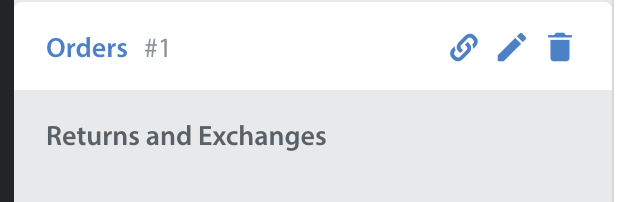
- Navigate to the FAQ tab and click the trash icon to the right of the Section title.
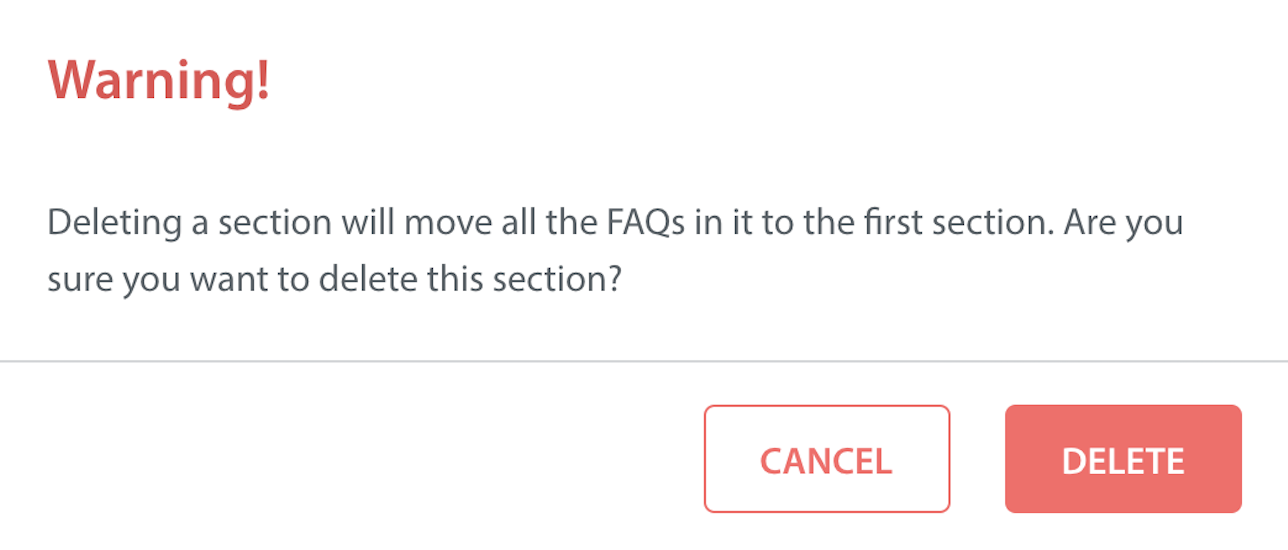
- A pop-up will appear warning you that deleting the section will also move all of the FAQs contained within it to the first section.
- Click the ‘Delete‘ button to finalize this action.
- Once complete, the Section will disappear from your Sections list.
To delete an FAQ article:
- Navigate to the FAQs tab.
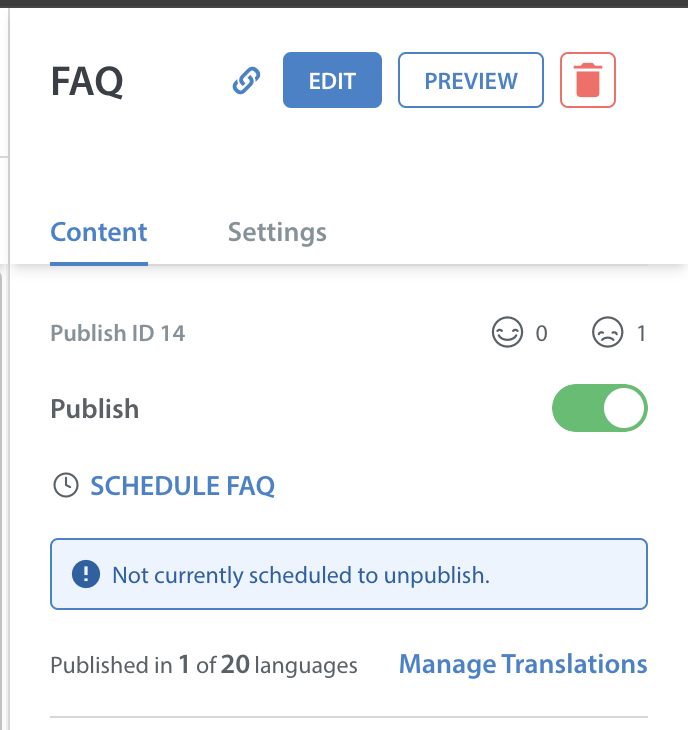
- Select the Section the FAQ is listed under, then click on the FAQ article to open the FAQ details on the right.
- From here, click the trash icon.
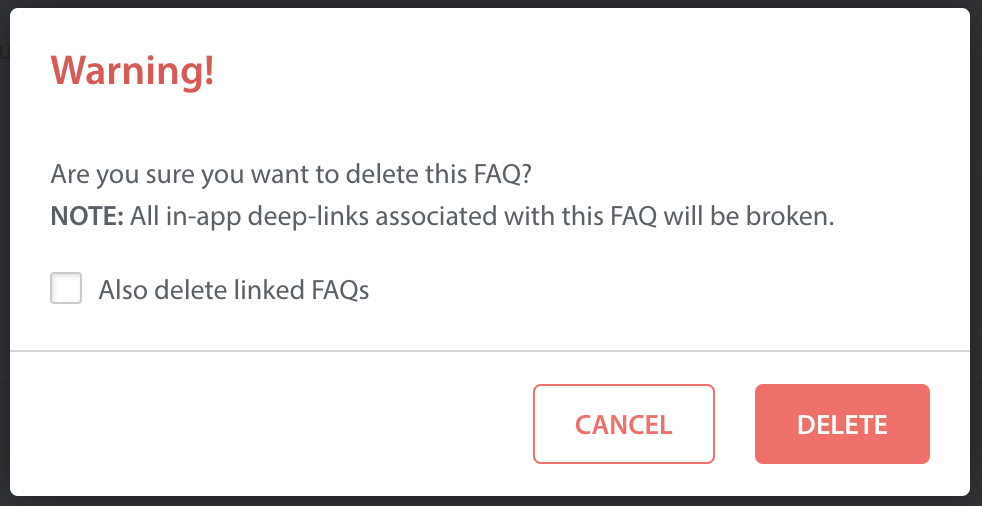
- A pop-up will appear warning you that deleting the FAQ will result in all the deep links associated with this FAQ being broken.
- Click ‘Delete’ to finalize this action.
- Once complete, the FAQ will disappear from your FAQ list.
If you only need to unpublish an FAQ and not delete it entirely, see How do I publish/unpublish my FAQ article?
To learn how to reorder your FAQs, see How do I reorder my FAQ articles & Sections?