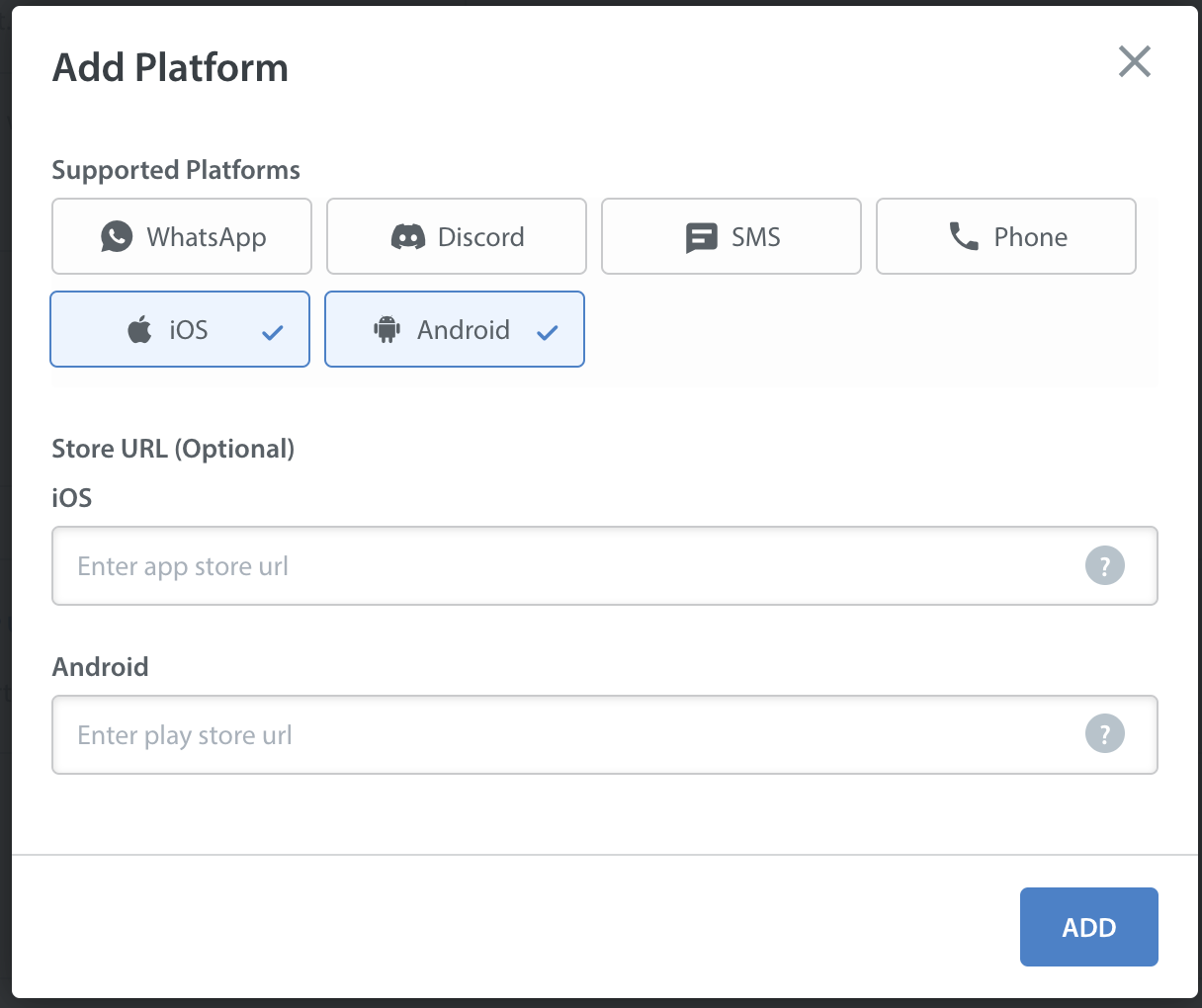
To add or edit supported platforms for Helpshift, please complete the following steps:
- Navigate to the Settings page by clicking the icon in the left navigation bar.

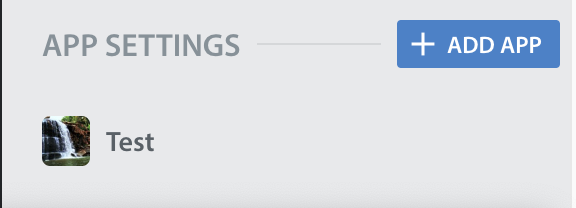
- Scroll down to the App Settings area, then click on the app you want to update the support platforms for.
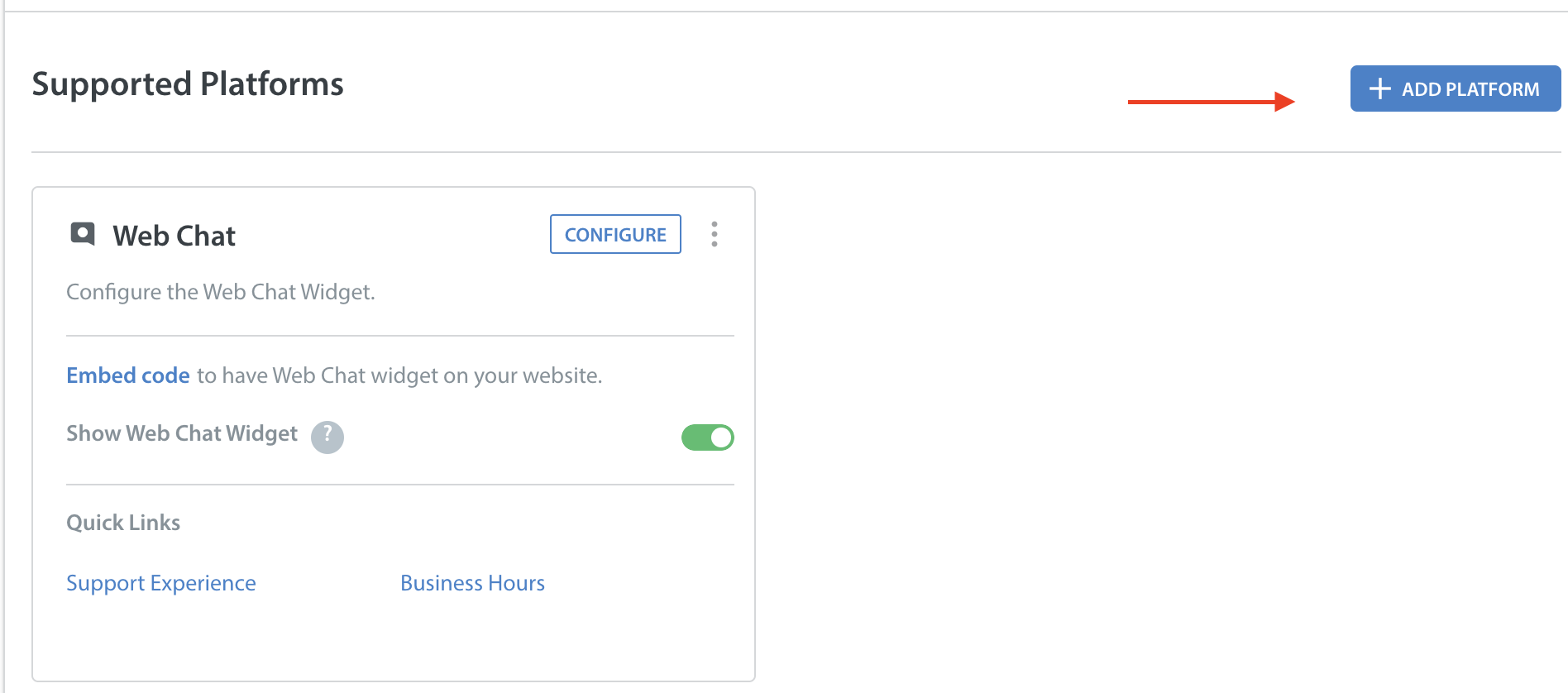
- Under ‘Supported Platforms' for the app, click on the ‘+ Add platform’ area.
- A pop-up will appear listing all of the supported platforms.