To delete Quick Replies and folders
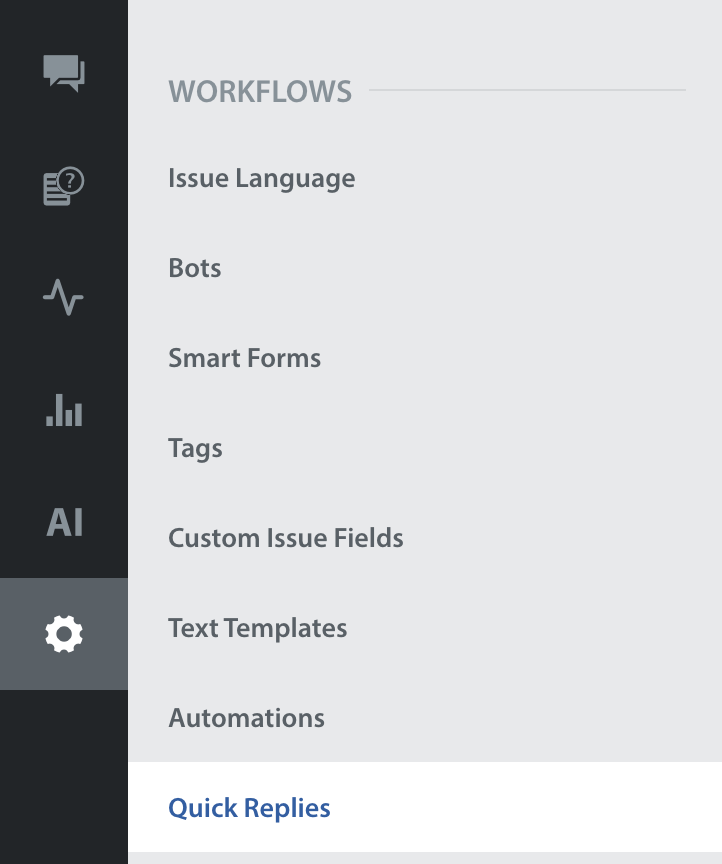
- Navigate to Settings > Workflows > Quick Replies.
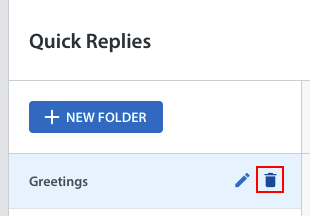
- To delete a folder, click the trash can icon which appears to the right of the folder name when the folder is hovered over.
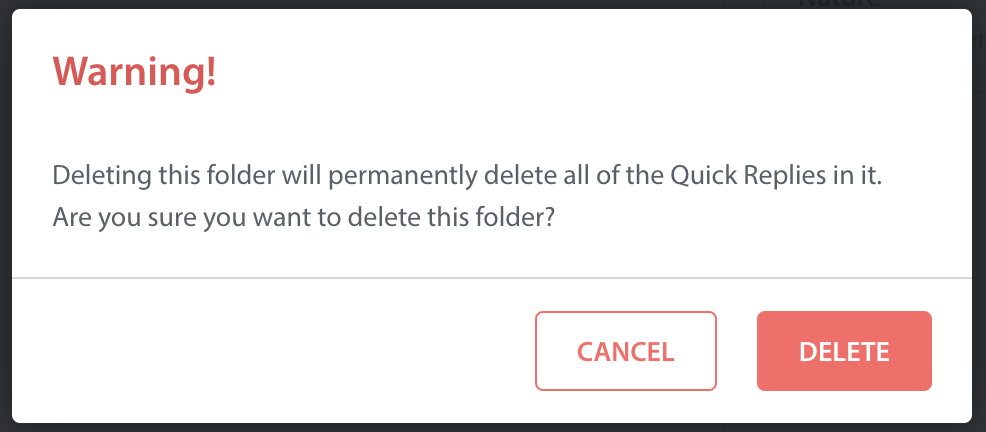
- A pop-up appear with a warning that when you delete a Quick Replies folder, you also delete all of the Quick Replies contained in it. Click the ‘Delete’ button to complete this process.
To delete a Quick Reply:
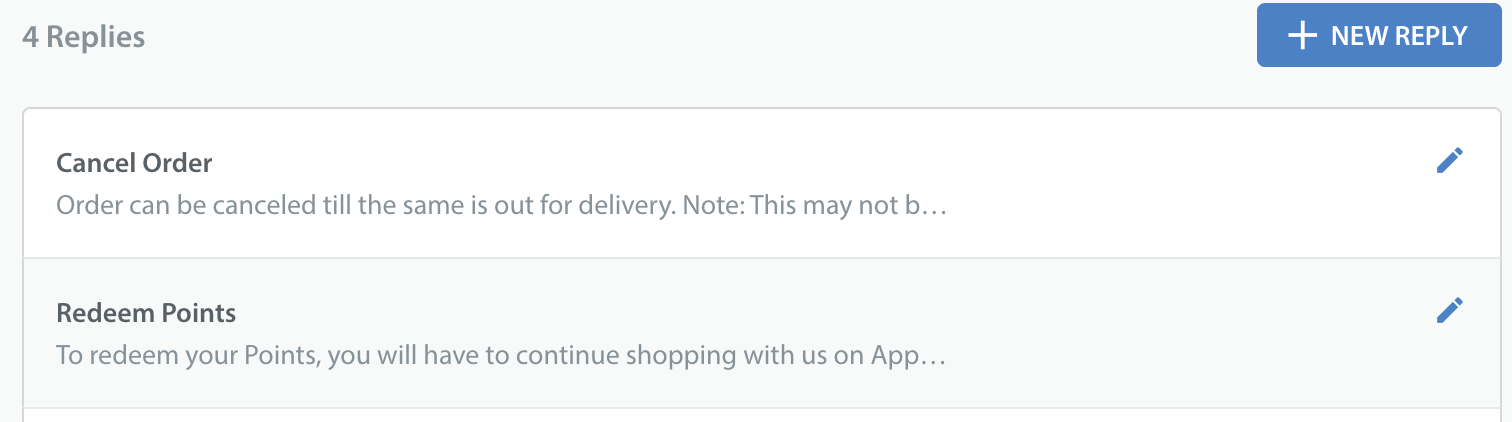
- Click the edit icon to the right of the Quick Reply.
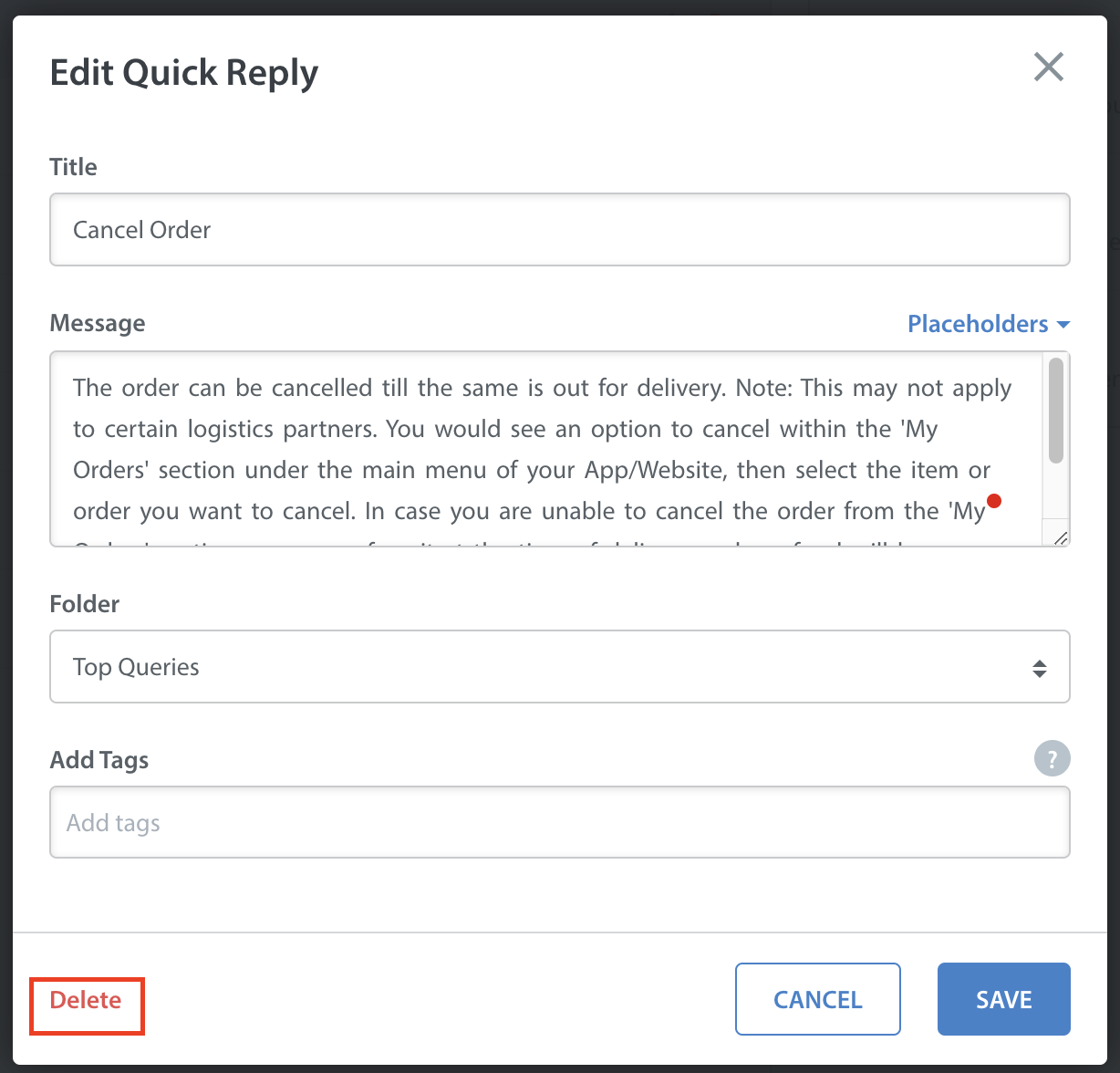
- In the ‘Edit Quick Reply’ pop-up that appears, click the ‘Delete’ text in the bottom left corner.
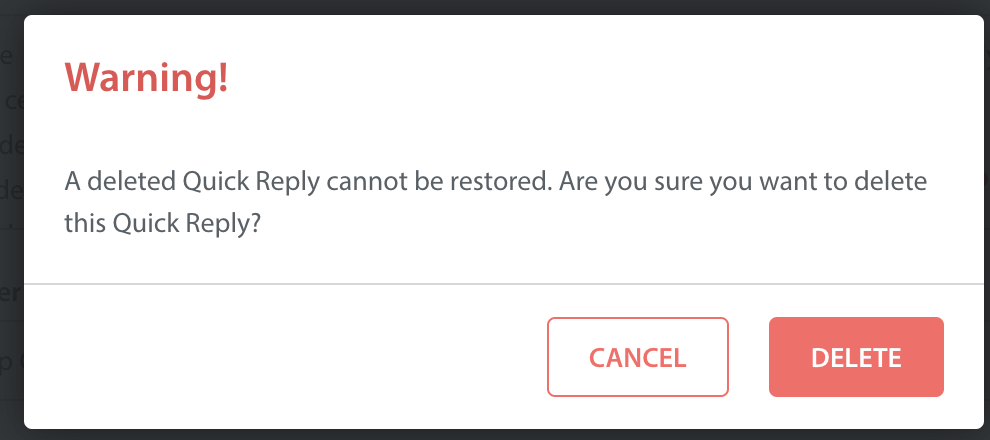
- A pop-up appear with a warning that deleted Quick Replies cannot be restored.
Click the ‘Delete’ button to complete this process.