
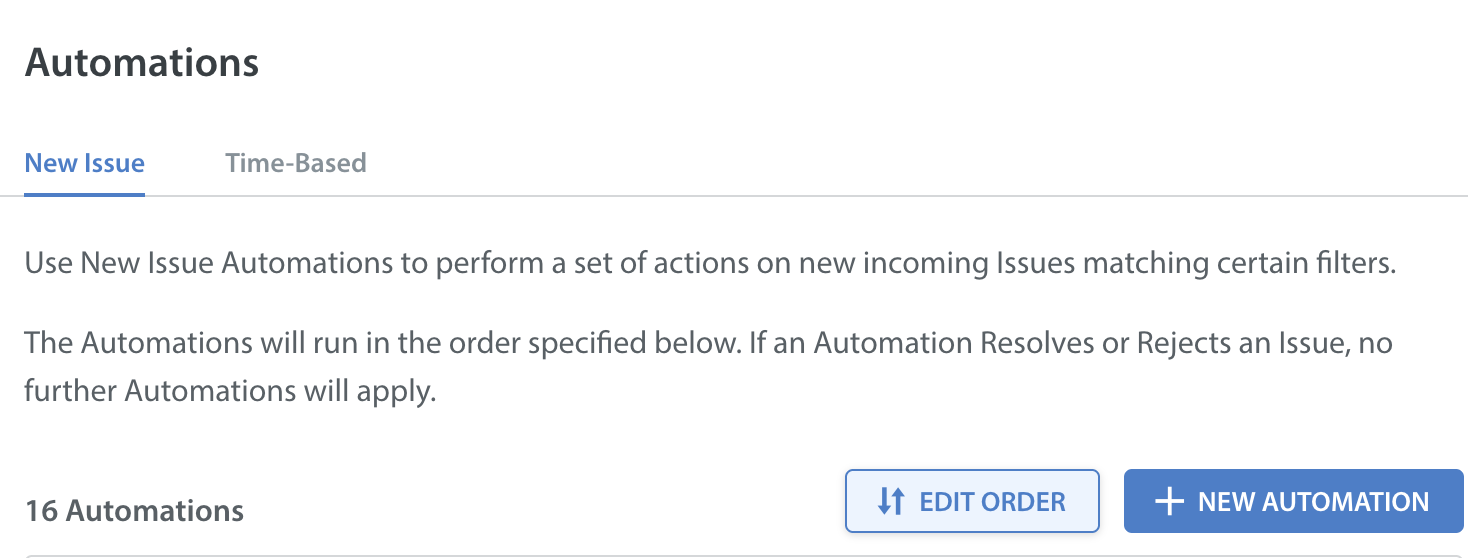
The Automations page lists all of your configured automation. By adjusting their top-to-bottom sorting order, you can control their first-to-last order of execution.
- Log in to your Helpshift instance as its administrator.
- On the Helpshift toolbar, click Settings.
- In the navigation pane, scroll to the WORKFLOWS area, and then click Automations.
The Automations page opens. - On the Automations page, to start rearranging automations, click EDIT ORDER.
The UI is refreshed. It now supports any combination of drag-and-drop reordering and numerical reordering.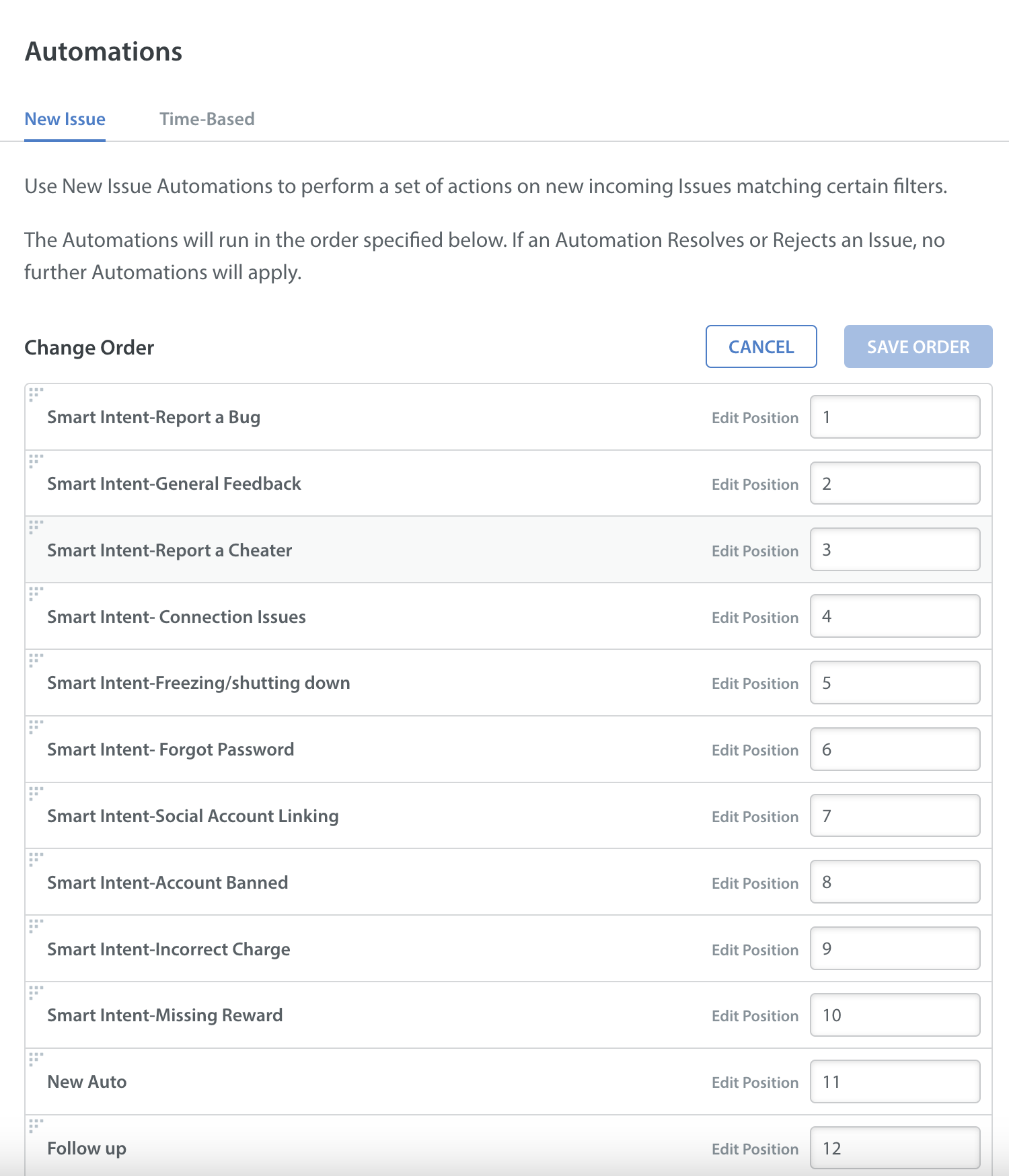
- When you are done, click SAVE ORDER.