
Each Helpshift purchase includes three prebuilt bots and a no-code tool to develop custom bots.
Tip: Use our no-code Visual Bot Builder workspace to design and generate custom bots and feedback bots.
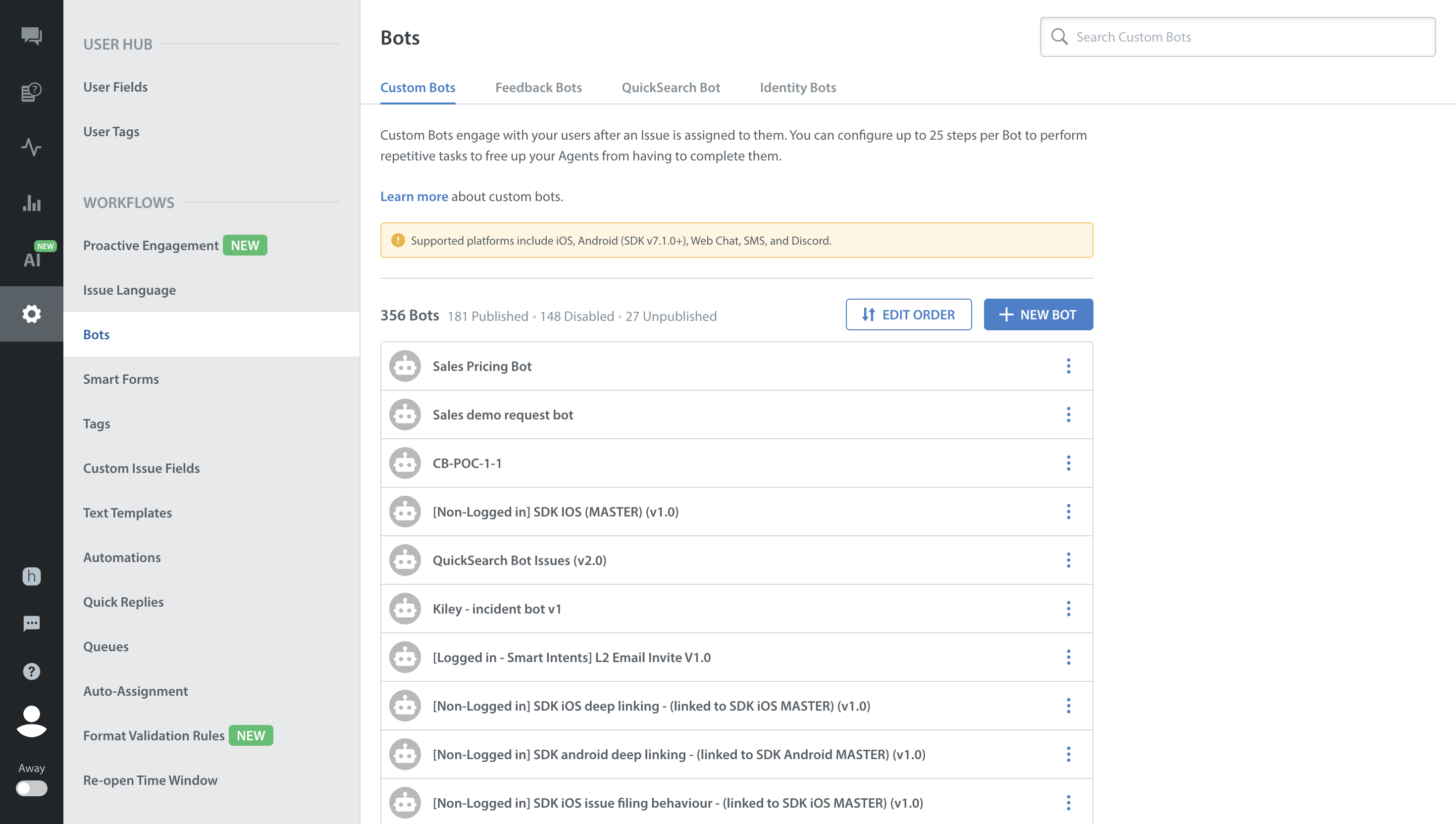
Custom Bots
A custom bot is one you create for your specific operational goals and can configure to perform a wide variety of actions. Supported actions may include any combination of the following (and more):
- Send messages to a user, combining free text and text templates.
- Request specific information from a user, such as a date, a number, or an email address.
- Branch the bot’s own logic based on Custom Issue Fields (CIFs).
- Submit predefined API requests to external systems and act upon received responses.
- Recommend pertinent Help Center articles and FAQs to a user.
- Update Custom Issue Fields (CIFs).
- Present the user with options and take actions based on their choice.
Prebuilt Bots
Helpshift provides three prebuilt bots out of the box:
- Identity Bot: Checks if a user's name and contact information are already on record. When details are not found, Identity Bot requests them from the user and saves them directly to their profile, where support agents can access them.
- QuickSearch Bot: Automatically parses the words that a user uses to name and describe their question or problem while filing an issue. It compares these words against published Help Center articles and FAQs, recommending up to three relevant articles with direct links to the user in chat within seconds.
- Feedback Bots: Collect deep customer insights automatically following issue resolution. See Understand Feedback Bots.