
- To access your REST API keys, navigate to Settings > APIs.
Your keys will be listed on this page.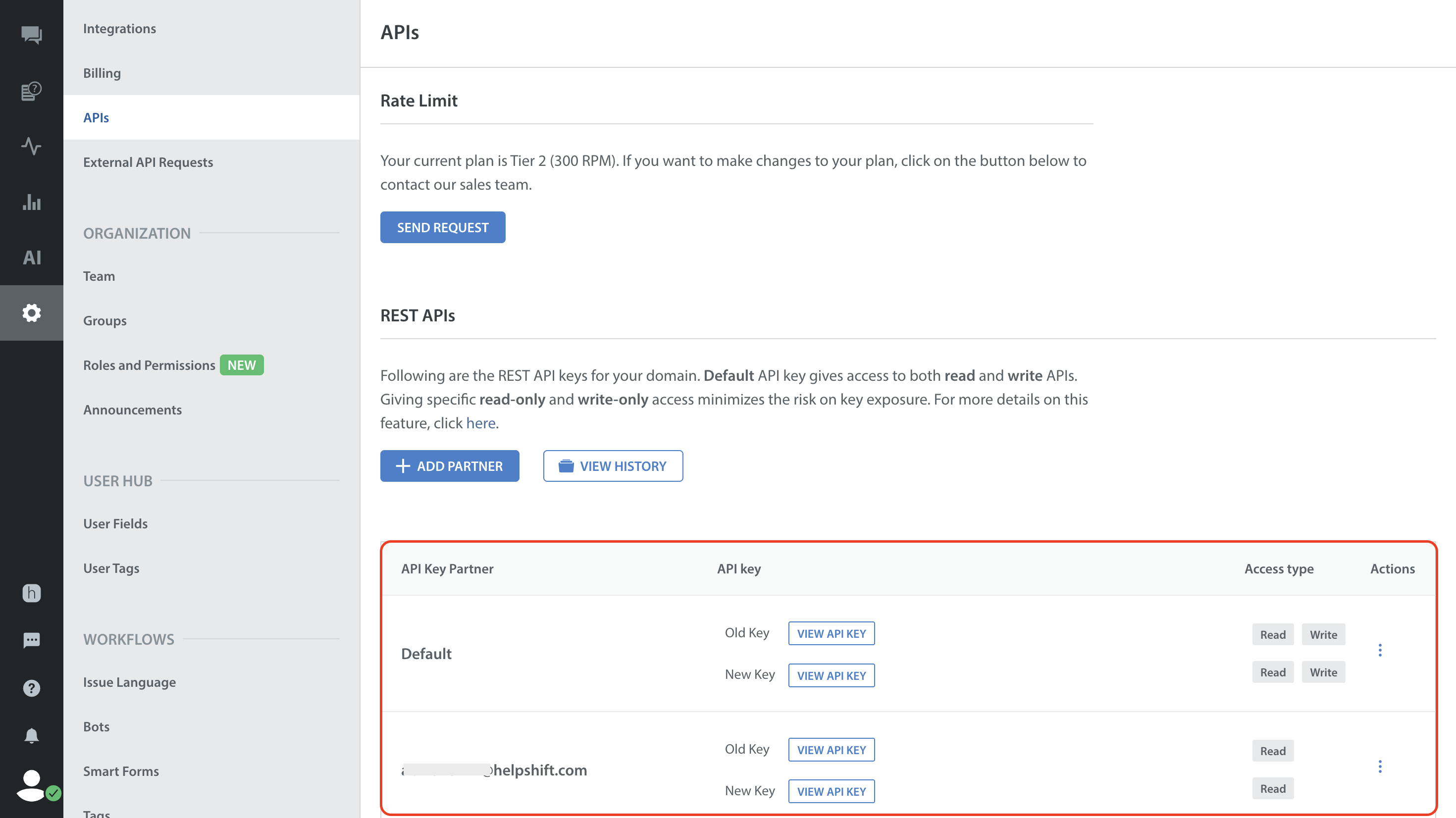
- Clicking the gear icon in the bottom right provides a space for you to add a new key.
Please note that adding a new key will NOT automatically disable the old key.
For more info on using Helpshift’s REST APIs, please see our API documentation.